
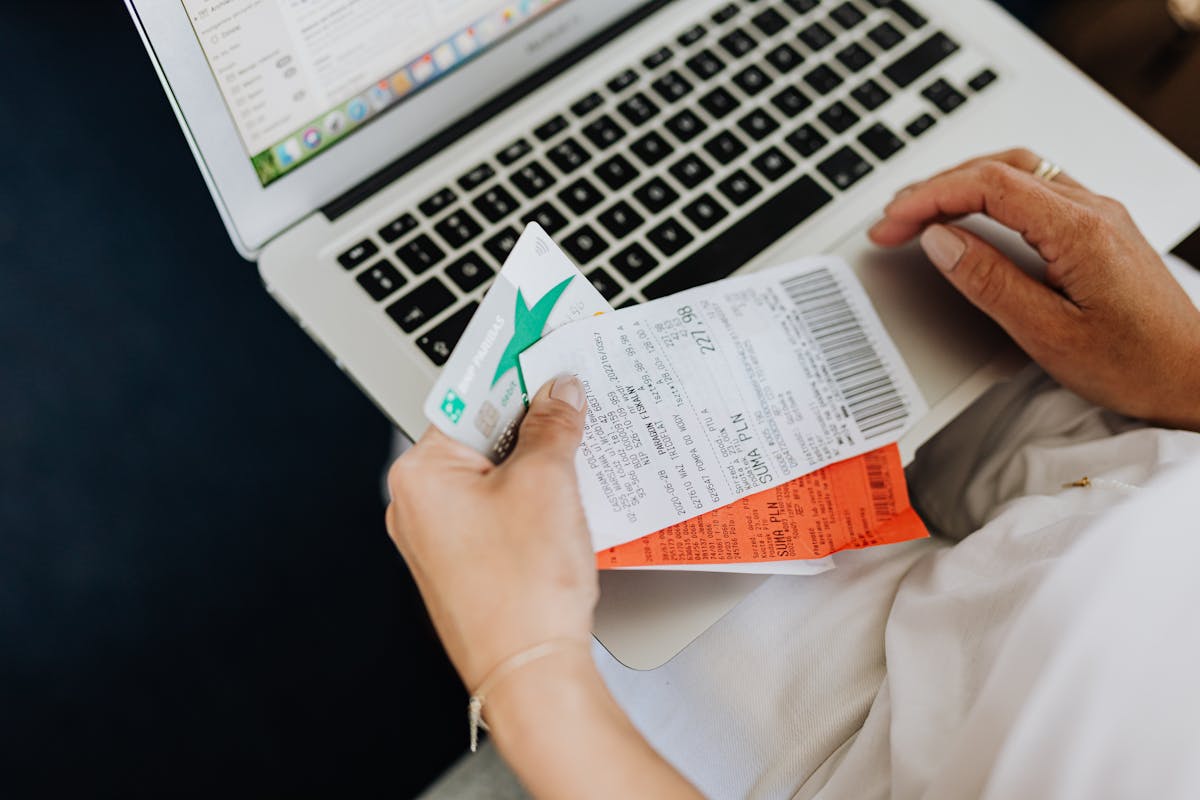
You have paid your token tax or an e-challan — now what? This guide explains how to keep your payment status safe: what to save after paying, how to re-check it, and what to do step by step if a payment does not show up.
Keep These Two Things Safe
After every payment, keep two things: the PSID (Payment Slip ID) you generated on ePay Punjab, and the transaction ID or receipt your payment channel shows you. A screenshot is enough — just store it somewhere you can find later. If anything goes wrong, these two details are what any official helper will ask for.
How to Re-Check Your Payment Status
For token tax, re-check through the ePay record or by verifying your vehicle on the MTMIS portal — if the payment went through, the vehicle record reflects it. For an e-challan, re-check on the PSCA e-challan portal. The full walkthroughs are in our token tax payment guide and our e-challan payment guide — this guide will not repeat their steps.
Payment Not Showing? Here Is What to Do
First, do not panic and do not pay again immediately. As general guidance, wait a little and re-check later — payment records can take time to update across systems.
Next, re-check with your payment channel’s own record: your mobile wallet or bank app shows whether the money actually left your account. If the money left but the government record still does not show it, contact the official help channels listed in our MTMIS Punjab help directory — keep your PSID and transaction details ready when you do.
Scam Warning: Protect Your Receipt and OTP
Never share your OTP, receipt, PSID, or transaction details with unofficial numbers or anyone who calls claiming to be from the department. Real help comes only through the official channels in our help directory — nobody legitimate will ever ask for your OTP or bank details over the phone.
Useful Links
- How to Pay Token Tax Online in Punjab — the token tax payment walkthrough
- How to Pay e-Challan in Punjab — the e-challan payment walkthrough
- MTMIS Punjab Help: Helpline, SMS and e-Khidmat Guide — official help channels
- Official MTMIS portal — Excise & Taxation Department Punjab vehicle records
- ePay Punjab — official government payments gateway
This website is an independent informational guide. It is not affiliated with the Excise & Taxation Department Punjab or any government authority.



Be the first to comment!