
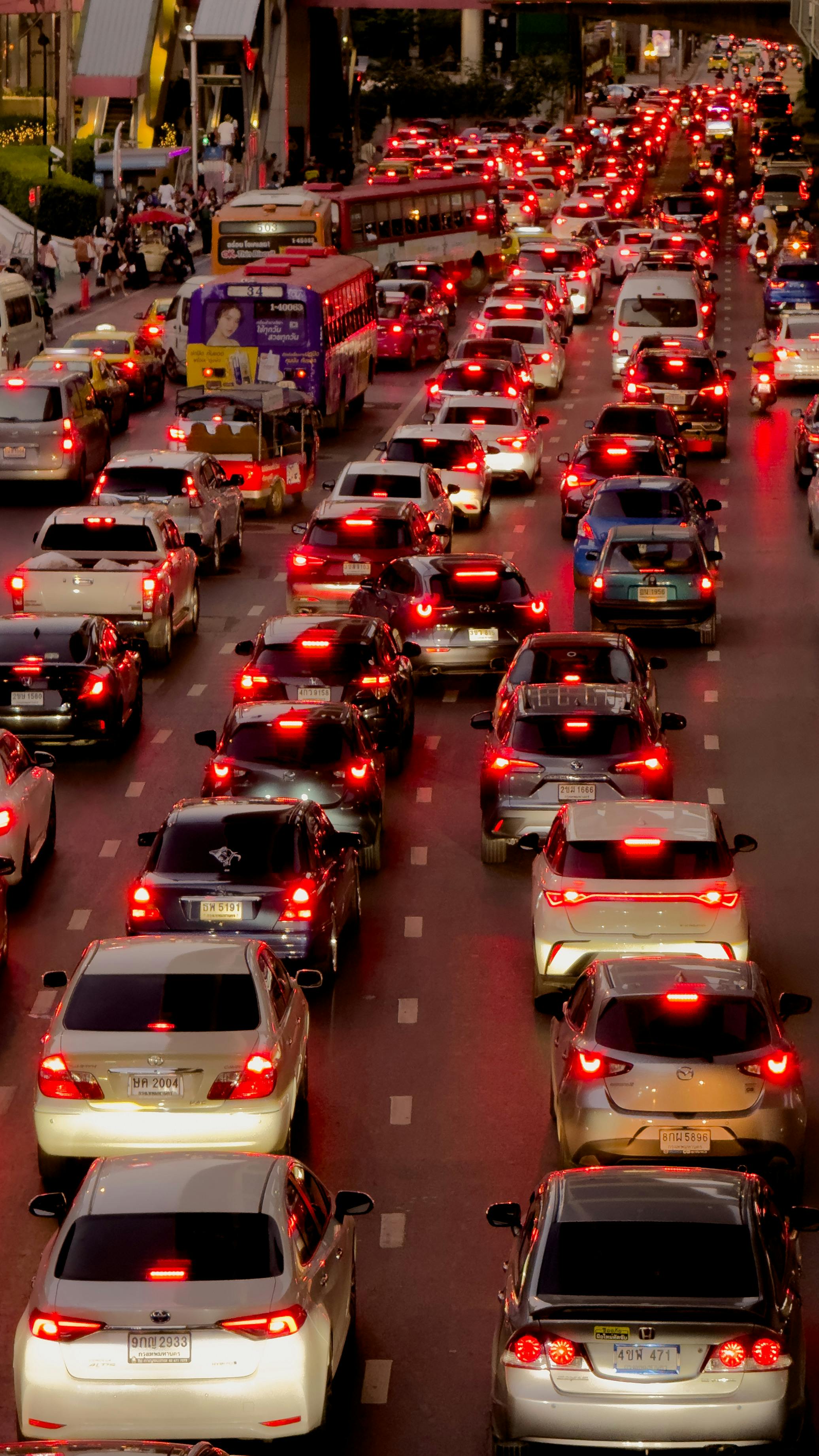
Getting an e-challan in Punjab is increasingly common. Safe City cameras in Lahore and other covered cities record violations like speeding, signal jumping and lane violations automatically, and the challan lands against your vehicle without any policeman stopping you. Once it exists, it has to be paid through official channels. This guide explains how to pay e-challan in Punjab: what a PSID is, which payment channels you can use, and how to avoid challan scams.
Have you not checked whether you actually have a challan yet? Start with our guide on how to check e-challans in Punjab online. This article picks up where that one ends: payment.
What is a PSID?
A PSID — a Payment Slip ID — is a 17-digit reference number attached to your e-challan. It is generated on the PSCA Safe City portal (echallan.psca.gop.pk) or through ePay Punjab, and it is the single number every payment channel below uses to identify your challan. Copy it carefully from the portal or your challan notice: a single wrong digit can apply your payment to the wrong slip.
How to pay e-challan in Punjab: your payment options
You do not have to visit an office to clear a challan. These are the widely available payment channels for e-challans in Punjab:
- ePay Punjab app or portal: ePay Punjab (epay.punjab.gov.pk), run by the Punjab Information Technology Board (PITB), is the province’s official gateway for paying government dues online. If your challan is listed there, you can fetch it with your PSID and pay through the methods the platform offers.
- JazzCash or EasyPaisa: both mobile wallets support government payments. Open the government or challan payment option in the app, enter your 17-digit PSID to pull up the challan, and confirm that the vehicle number and amount shown match yours before paying from your wallet balance.
- Bank mobile apps (1-Link / 1-Bill): most Pakistani banks route government payments through the 1-Link network’s 1-Bill service. In your bank’s app, look for the government payments or 1-Bill section, enter the PSID, and the challan details should load for you to review and pay.
- 1-Link ATM: you can pay in person at any 1-Link ATM using the bill or government payment option with your PSID. Keep the printed slip.
- Bank counter: present your PSID at a bank counter and pay against it. Take the stamped receipt with you.
- e-Khidmat Markaz: these citizen service centers also accept government payments. Carry your PSID and collect the receipt.
Keep your payment receipt
Whichever channel you use, save the digital receipt and note the transaction ID. If the challan status does not update, or if a dispute comes up later, that receipt is your proof of payment. A screenshot of the confirmation screen together with the transaction ID is usually enough.
When will the challan show as paid?
We could not verify an official processing time on official sources, so treat the following as unconfirmed: third-party sources report that challan status typically updates within 24–48 hours of payment. If the status has not changed after that window, re-check on the PSCA portal and keep your receipt ready. Do not pay the same challan a second time before confirming whether the first payment went through.
Beware of challan scams
Scammers exploit the fear of unpaid challans. Remember two things: official messages about e-challans never ask for your OTP, PIN or bank details, and they never demand payment through a private link sent over SMS or WhatsApp. If you get a suspicious message, do not click any link or share any code. Instead, verify the challan yourself on the official PSCA portal before paying anything.
What if the challan is wrong?
If a challan was issued in error — the wrong vehicle, a violation you did not commit, or a vehicle you no longer own — you can raise it through the complaint section of the PSCA portal. We are not publishing a complaint URL or office address here because we could not confirm current ones on official sources; use the complaint option inside the official portal itself rather than trusting addresses forwarded on social media.
How to pay e-challan in Punjab: quick recap
To sum up: copy the 17-digit PSID from the PSCA portal or your challan notice, pay it through ePay Punjab, your mobile wallet, your bank’s app, a 1-Link ATM, a bank counter or an e-Khidmat Markaz, and keep the receipt with its transaction ID. Verify any suspicious SMS on the official portal before paying, and never share OTPs or PINs.
Useful links
- How to check e-challans in Punjab — check first, pay second
- Official MTMIS portal — Excise & Taxation Department Punjab vehicle records
- PSCA e-challan portal — Safe City challan records and complaints
- ePay Punjab — PITB’s official government payments gateway
This website is an independent guide and is not affiliated with the Excise & Taxation Department Punjab. Always confirm payment details on the official portals before paying.



Be the first to comment!